 TipTunes
Create your performer profile
Add the performer information and public details fans should see.
How TipTunes works
TipTunes connects performers and fans during a live show without adding friction to the performance. There are two sides to the experience—choose the journey that fits you.
Start PerformingTipTunes gives performers the tools to prepare their catalog, welcome fan requests, and manage the flow of a live performance.
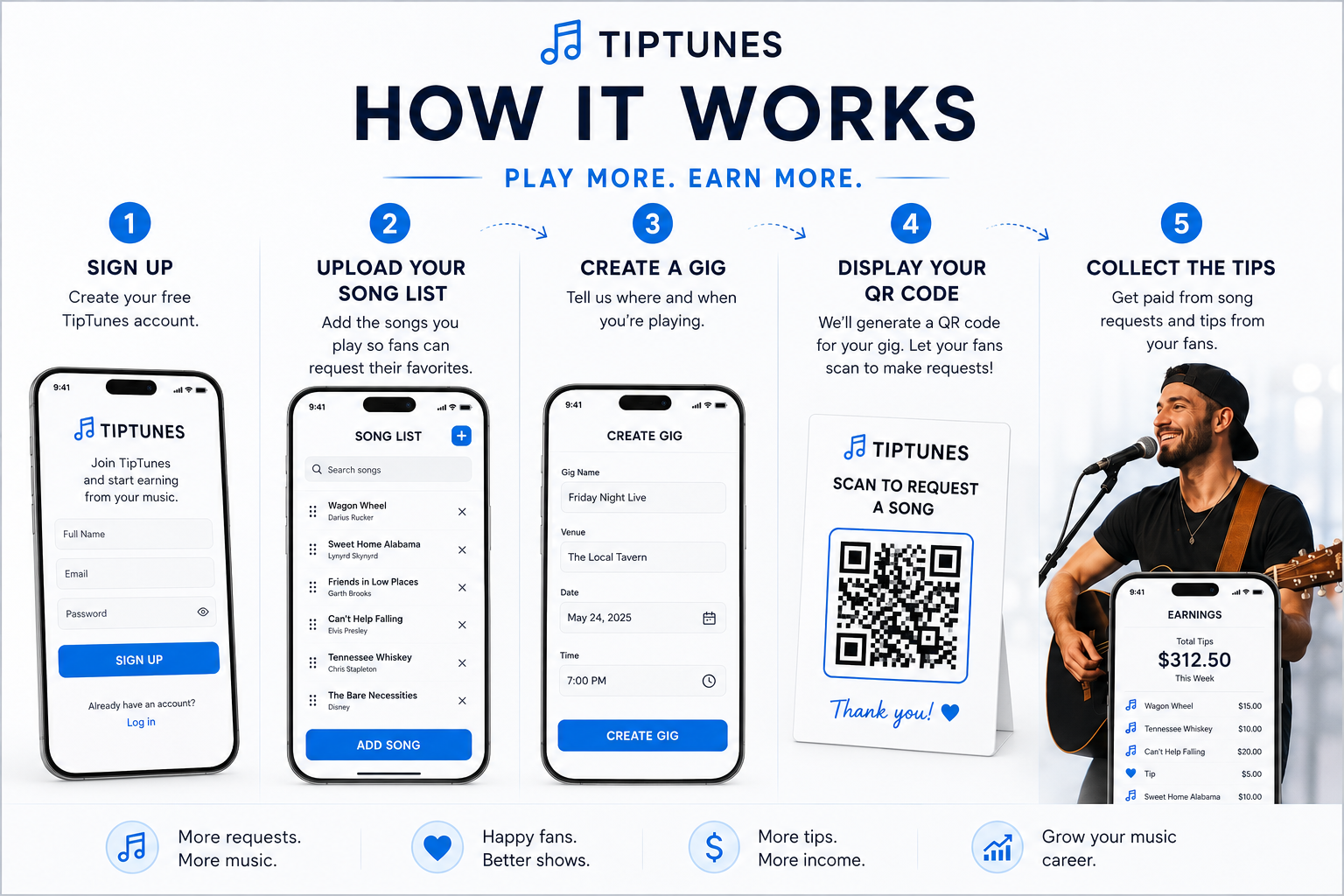
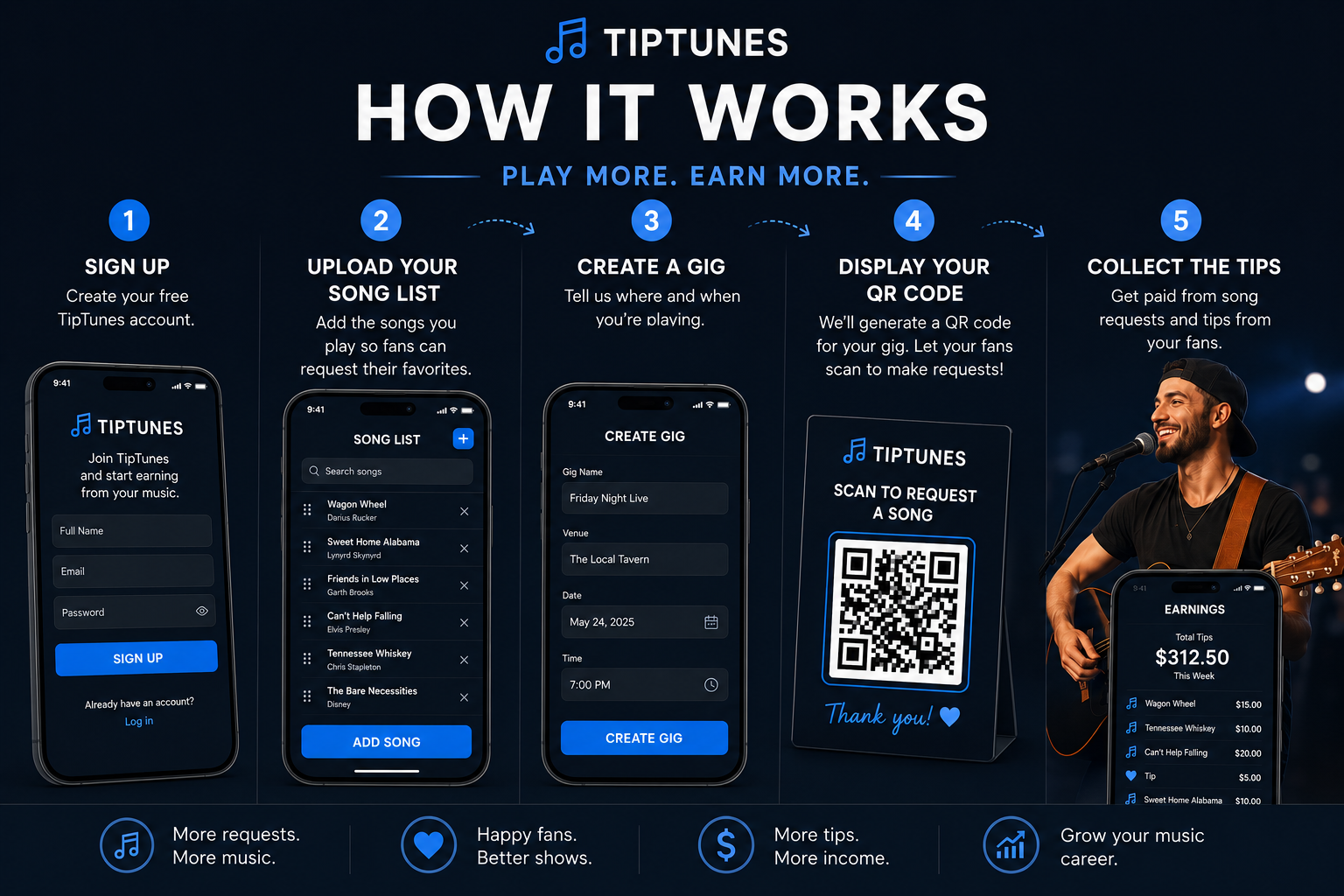
Add the performer information and public details fans should see.
Add the songs fans can request during a gig.
Prepare the event and make the live experience available to fans.
Use your performer QR code to direct fans to the active gig.
Review incoming requests, update Now Playing, and manage the request flow.
Let fans support the performance while requesting the music they want to hear.
When a gig is active, the performer QR code can direct fans to the live experience. When no gig is active, the same QR code can direct fans to the performer’s public profile.
Fans do not need to download an app to participate.
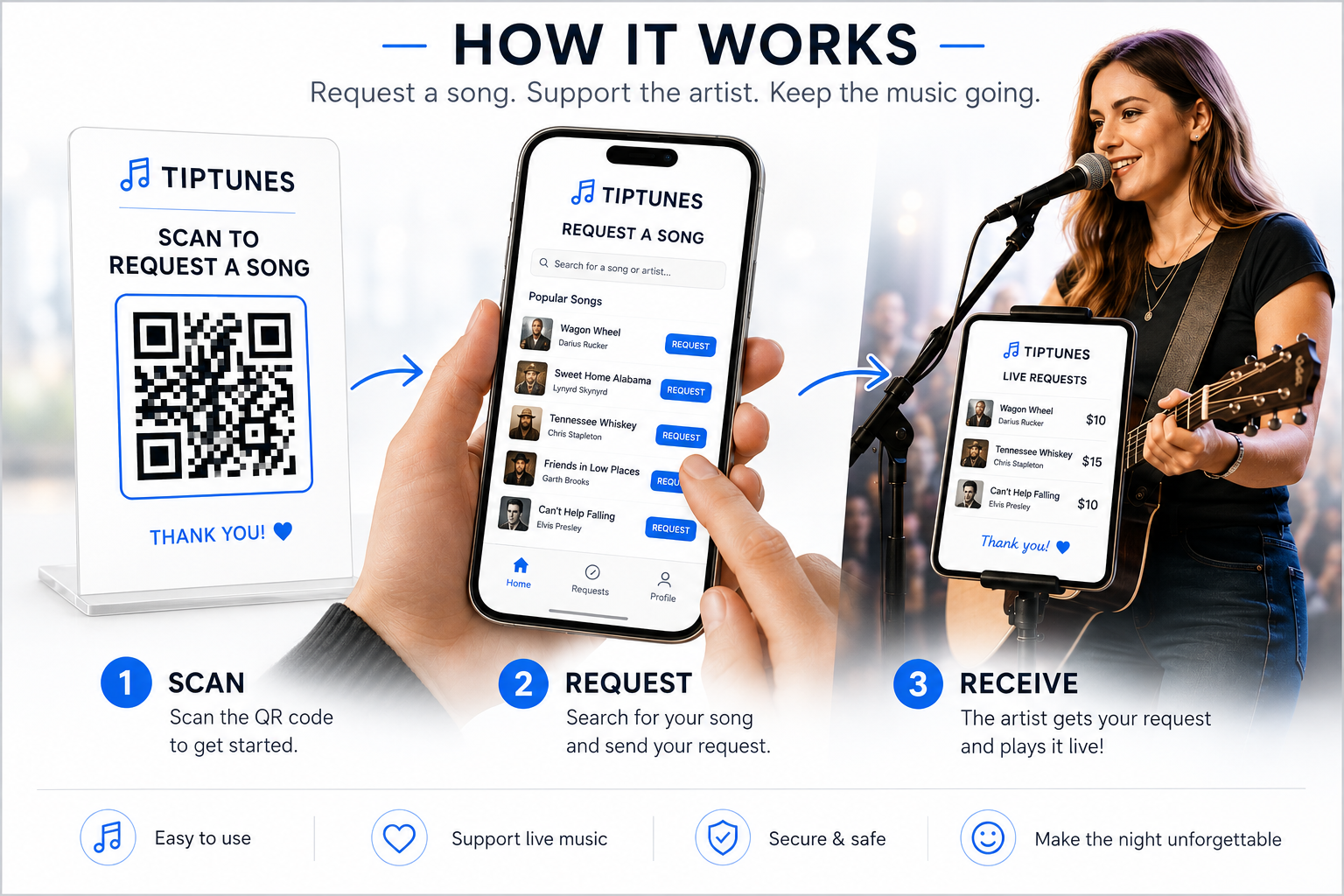
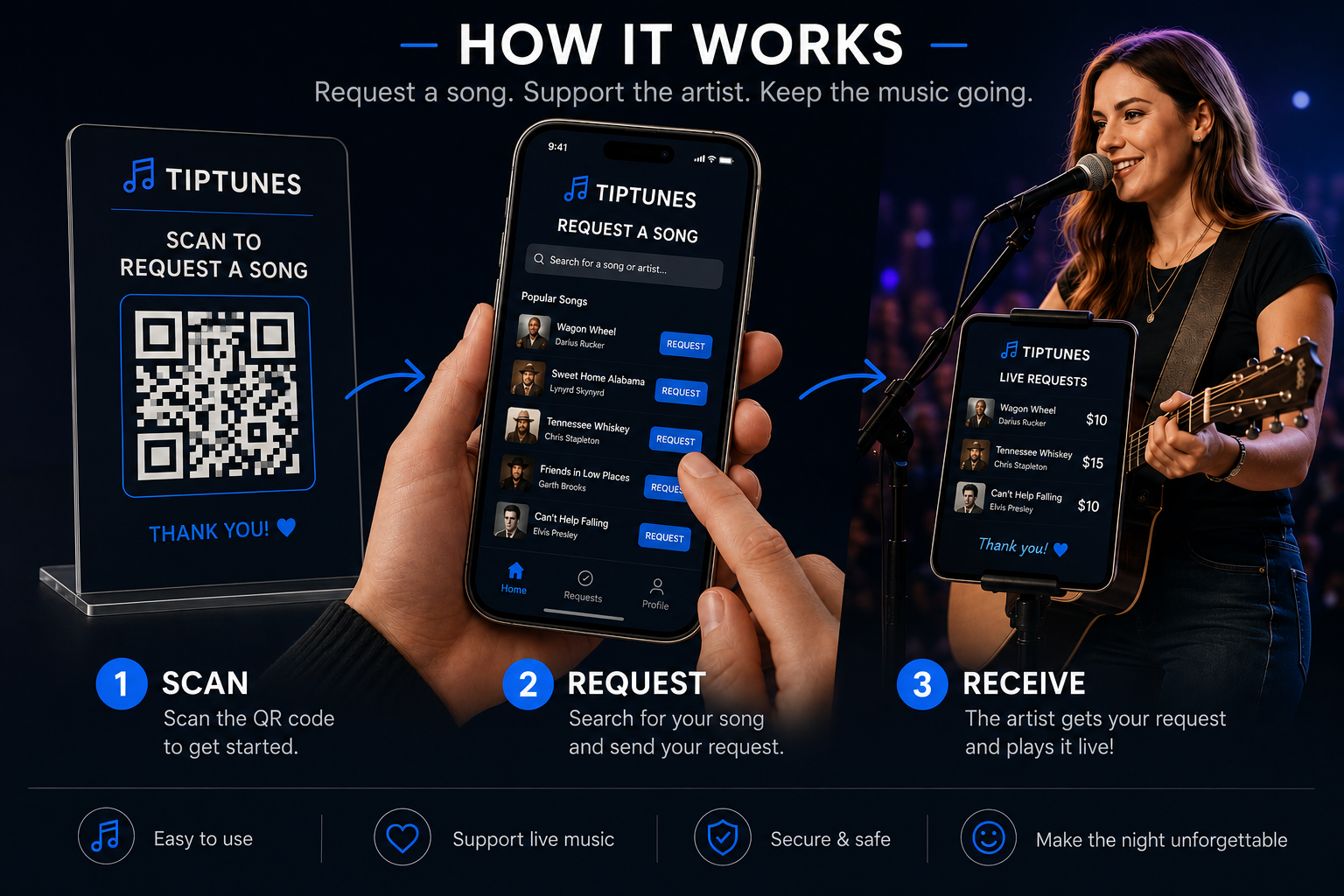
Open the performer’s active gig or public profile.
Review the performer’s available song catalog.
Choose a song and submit it to the performer.
Support the performer through the available tipping experience.
See Now Playing, pending requests, and recently played songs.
Public visitors can browse the performer experience without signing in. Visiting the public website does not create an anonymous account.